How to change Spotify Email (Step-by-Step Guide) 2025
It is possible to change your Spotify registration email by changing some of the streaming service’s profile settings. However, if you are unable to make the change, it may mean that your Spotify account was created using Facebook or that you no longer have access to the social network (you have deleted the profile) or, in the worst case, to the email.
But don’t worry.
See below what to do in each situation and find guidance on how to try to regain access to your Spotify account, keeping your track and playlist history.
And, if you recently changed your email address and need to change it on your service account, know that this process is quick, practical, and can be done on your account page, through a browser. Check out the step-by-step guide below!
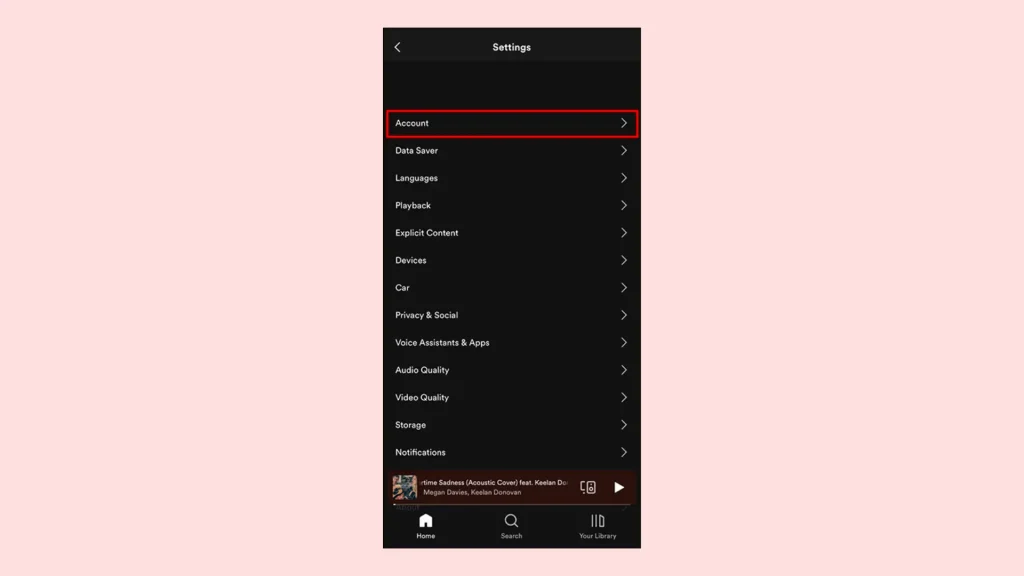
- Access your Spotify account page through a browser and log in to your account.
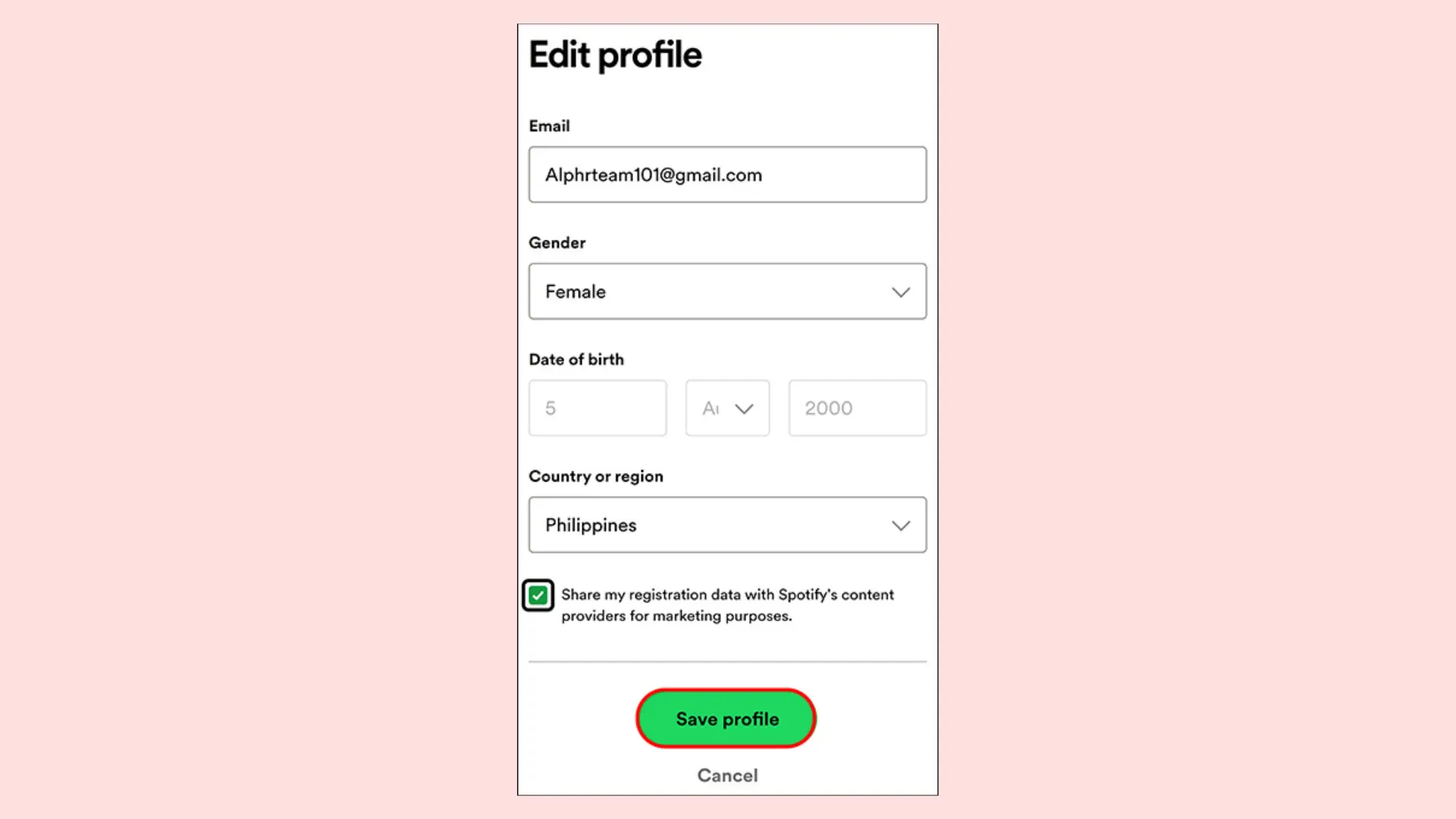
- Then enter the new email address and confirm your password in the fields provided. If your account was created through Facebook, then it is not possible to change the email address to log in.
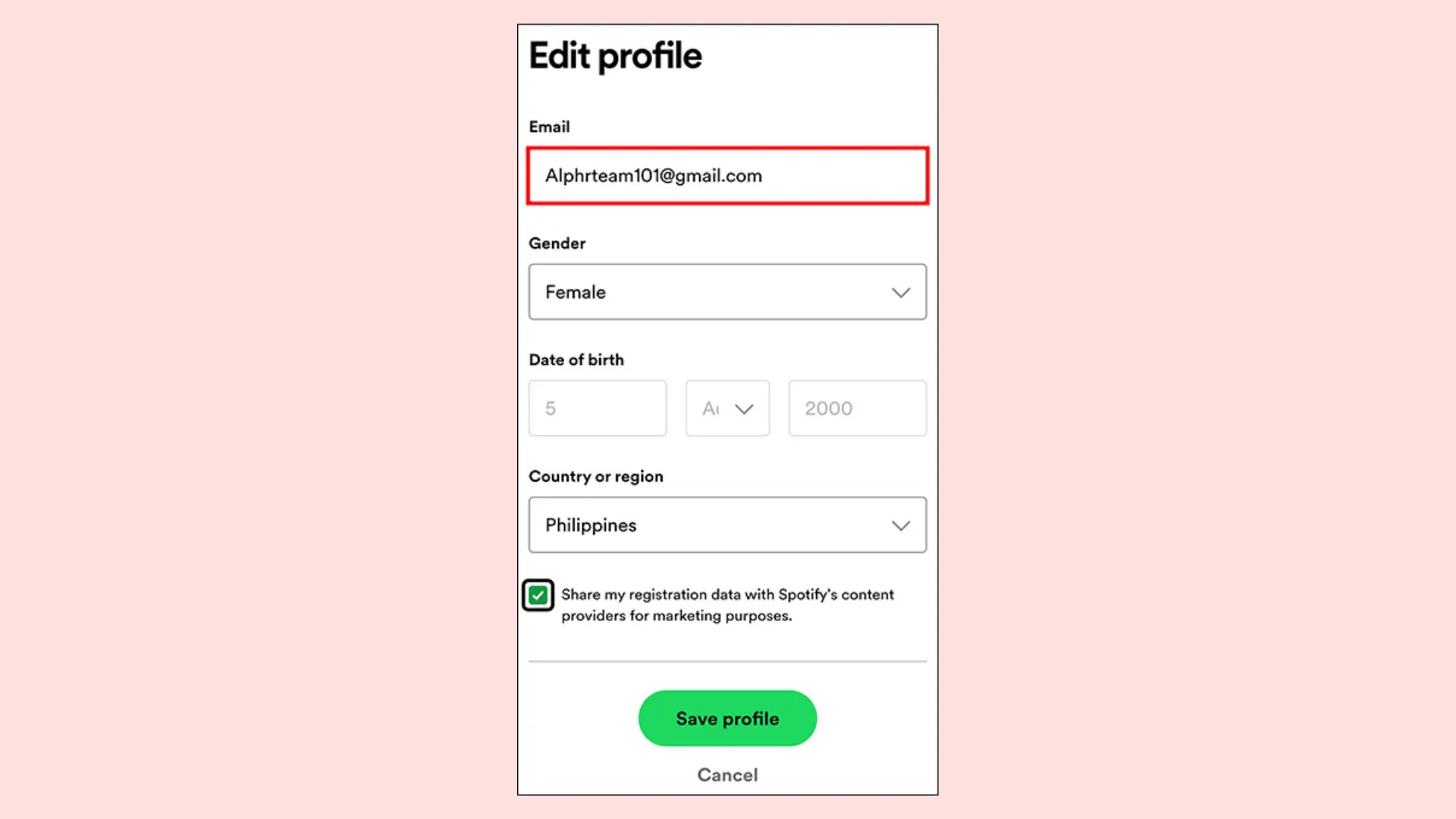
- Scroll down to the bottom of the tab and click “Save Profile”. Your information has been saved, but it’s still important that you confirm your new email address.
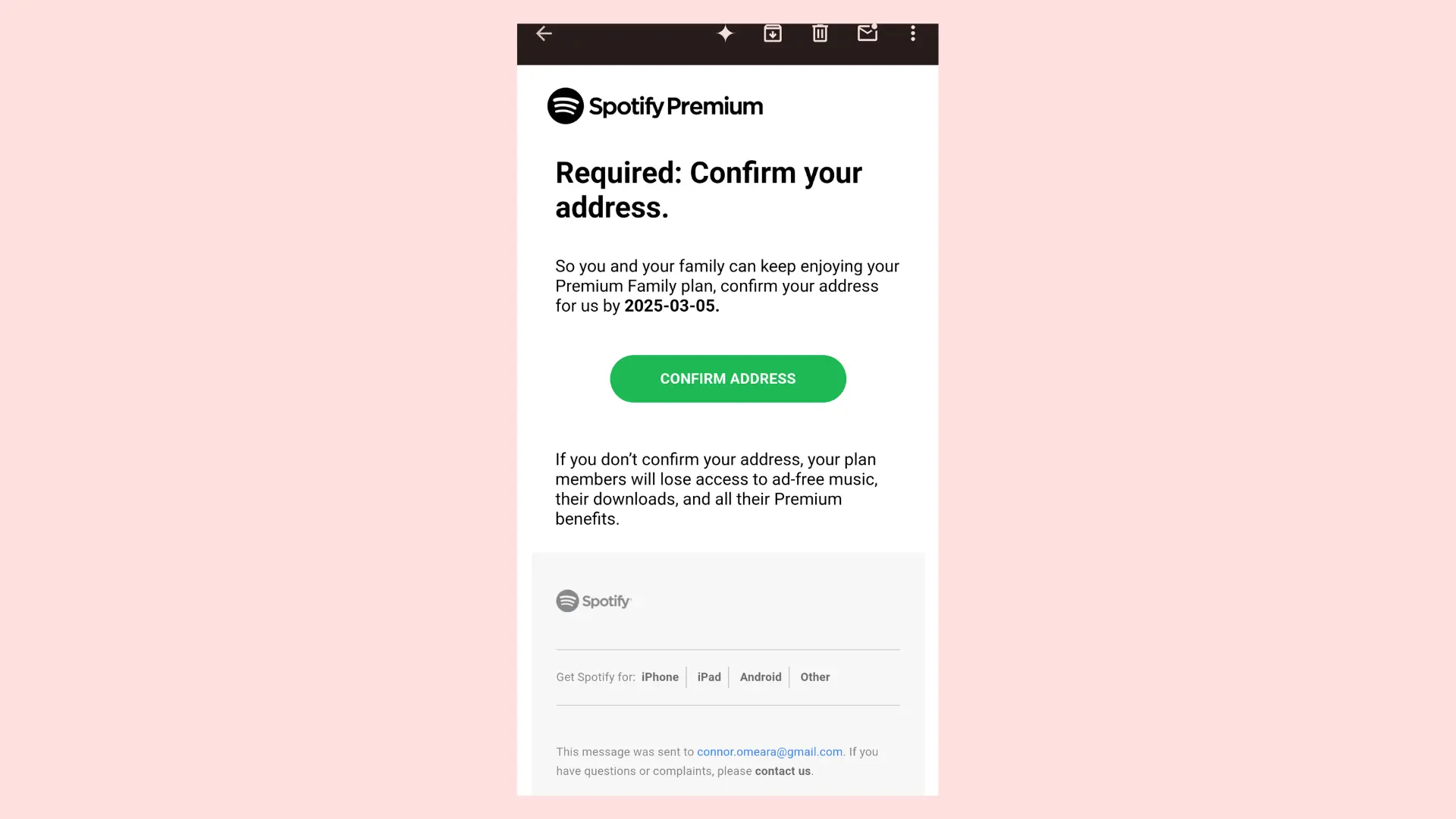
- Open the email from Spotify and click “Confirm Email” to validate it.
- Your email has been confirmed and you can continue using Spotify.
Login with Facebook
If you tried this process and were unsuccessful, it is possible that your Spotify account was created with a Facebook login, so you do not need to change your email to log in. Simply select “Log in with Facebook” on the login page above.
If you can’t log in with Facebook
There is a password reset request form:
- Access the password reset form https://spotify.com/password-reset/.
- Enter the email address you registered your Facebook account with.
- Follow the steps to create a password for your Spotify account.
Now you can log in with the email address registered to your Facebook account and with the newly created password, no longer with the “Log in with Facebook” button.
More than one Spotify account
One thing that not everyone takes into account is that in the past, you may have used your email address on another account, lost the password, and got confused. In these cases, Spotify also recommends using the password reset form.
But if you think the problem is bigger, that someone else is using your email address, there is another form. See below how to make the request.
- Access the contact form https://support.spotify.com/contact-spotify-anonymous/.
- First select “Signature” and then “Other”.
- Click on the “I still need help” button.
- Enter your email address and your name.
- Describe the problem and send the request via chat.
I no longer have access to my email
If you’ve lost access to the email address you used to create your Spotify account, you won’t be able to change it unless you’re already signed in to your account page in your browser (i.e., you haven’t logged out). In that case, there are options.
- Ask your email provider for help to regain access to your email.
- Start from scratch and create a Spotify account.
- You will not be able to cancel any Premium subscriptions you have.
Related:
Will I lose my data if I change my email address on Spotify?
When you change your email address on Spotify, you’ll still have your Spotify account. Your Spotify account won’t be changed since you’ve only changed your email address. So, no, you won’t lose your data when you change your email address on Spotify.
You may not be able to change your email address on Spotify if you didn’t sign up for your Spotify account using your email. You may have used Facebook to create your account, and that may be the reason why you can’t change your email address.
Conclusion
Whether you’ve lost your email address or simply want to use a different email address with your Spotify account, you can easily change it by going to the “Edit Profile” tab. There, you can enter the email address and change it to the email address of your choice. Just follow the exact steps given in the article and you’ll achieve this easily and quickly.